
ANDROID COMPANION · DIRECT DOWNLOAD
Your Ledger, on your phone
View your saved inventory and add photos from your camera or gallery. Connect to your activated, licensed Windows desktop over the same home Wi-Fi.
Take a look inside
Swipe or scroll through the screenshots. Tap a picture to see it full size.
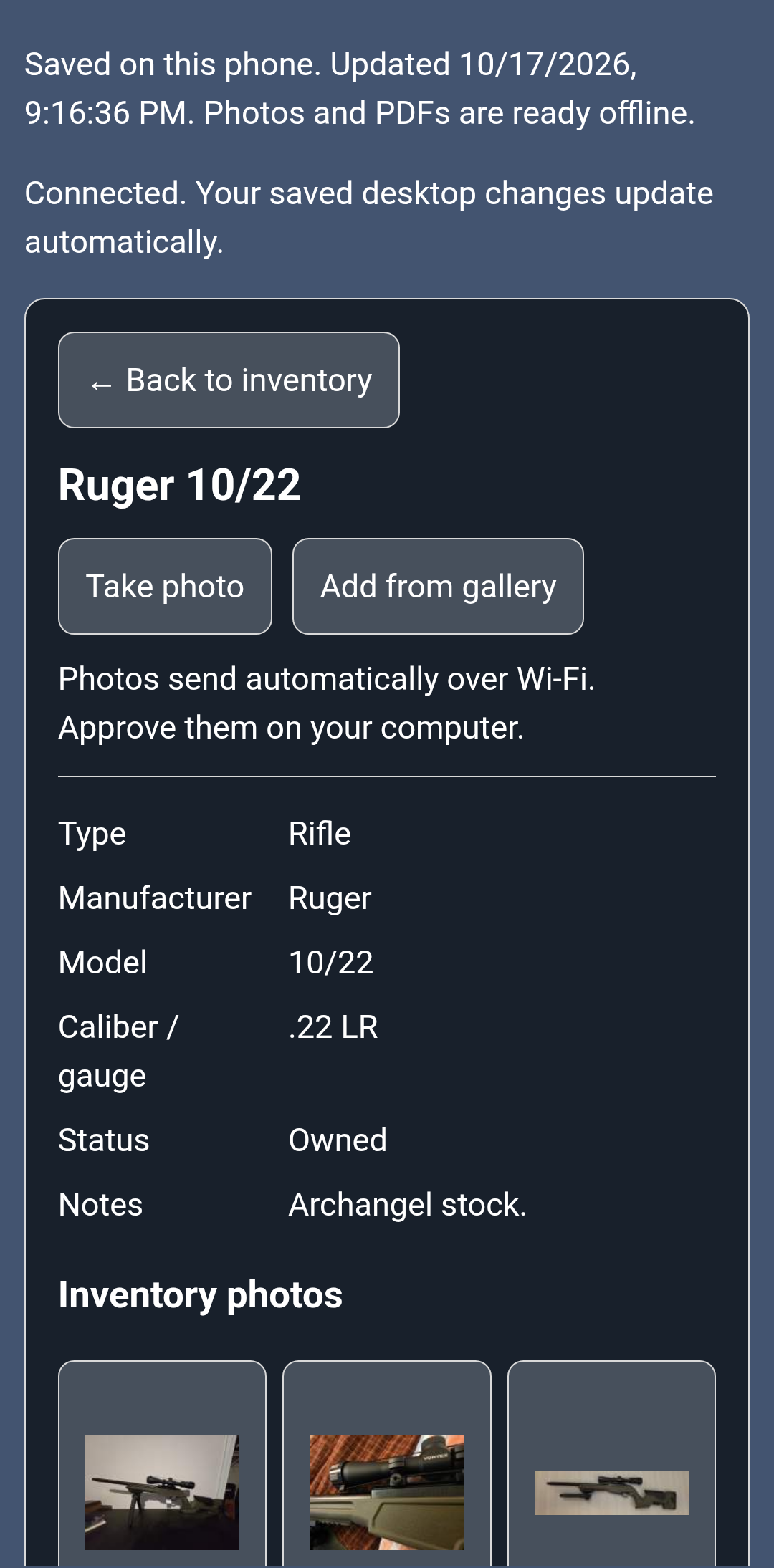
Item details & cameraView a saved item, take a photo, or choose one from your gallery. 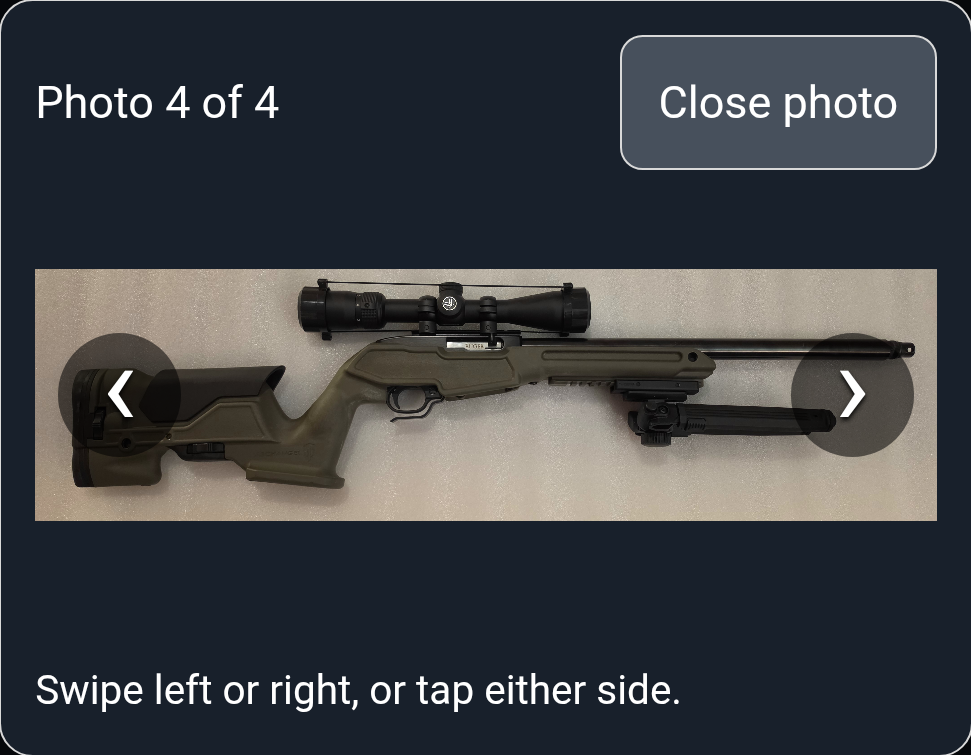
Swipe through your photosBrowse an item’s photos with a swipe or the on-screen arrows. 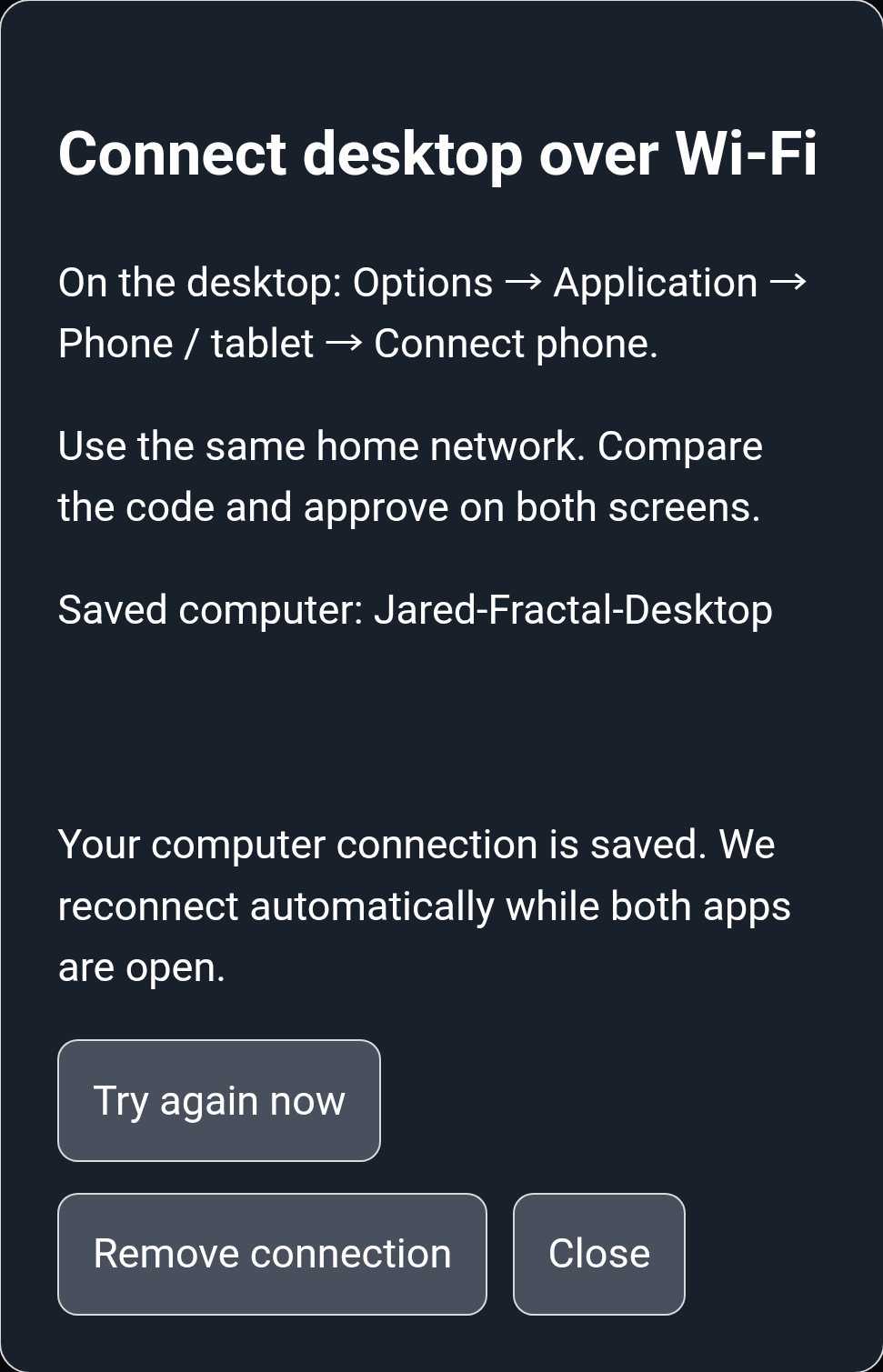
Reconnect automaticallyYour saved computer connection reconnects on your home Wi-Fi. 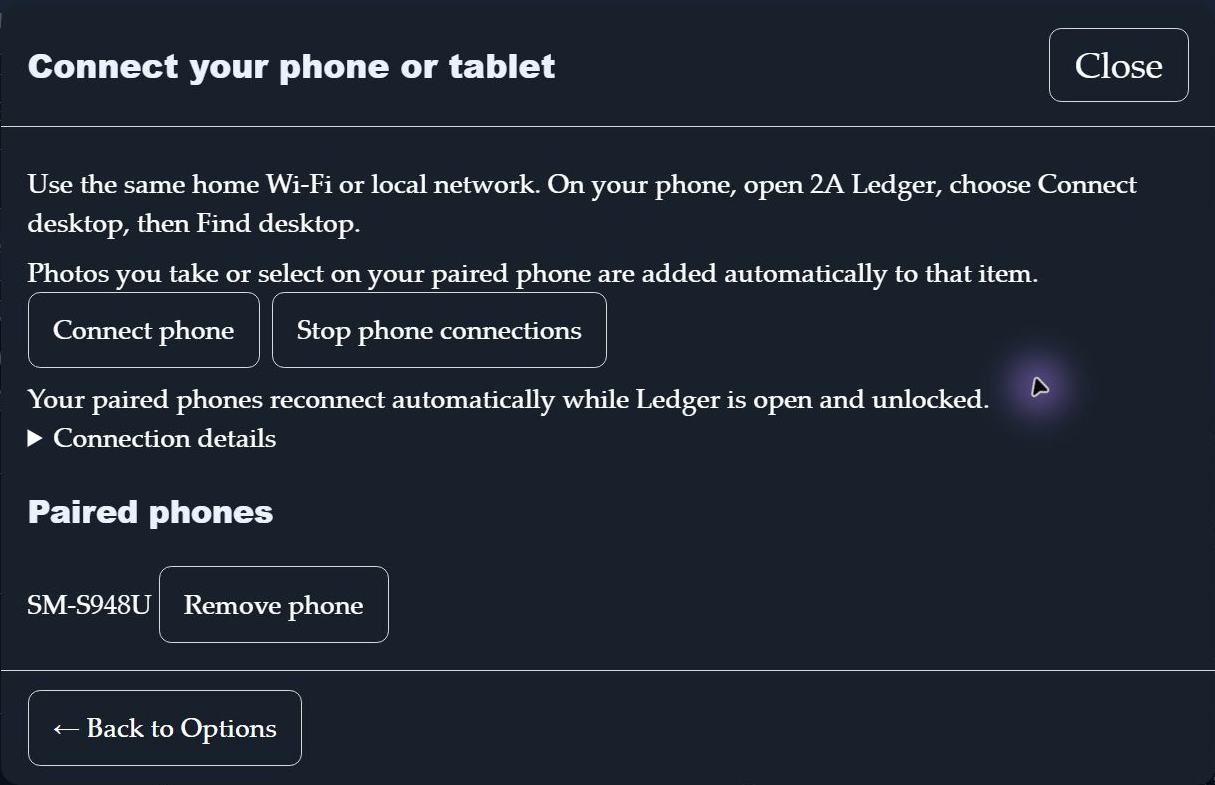
Connect from WindowsManage paired phones from your desktop’s Phone / tablet screen.
Screenshots: Android v23 and Windows 0.5.24. Current Android download: 0.2.10.
Download Android 0.2.10
Version 0.2.10 · build 92 · Android 10 or newer · 20.7 MB.
The companion download is free. An activated 2A Ledger desktop license is required to connect and receive inventory. Valid owner-issued complimentary licenses also work. The phone uses one of the three supported devices included with your personal license.
Install in three steps
- On your Android phone, tap Download Android APK above.
- Open the downloaded file. If Android asks, allow this browser to install this app, then choose Install. You can turn that permission off afterward.
- Open 2A Ledger Companion.
This is a direct download from 2A Ledger, not a Google Play listing. Device or work-profile restrictions may prevent installation. Keep Android security protections enabled.
Connect your computer
- Connect the phone and computer to the same home Wi-Fi or local network. Open and unlock 2A Ledger 0.5.25 or newer on the computer.
- On the computer, choose Options → Application → Phone / tablet → Connect phone.
- On your phone, choose Connect desktop → Find desktop. Select your computer, compare the codes, and approve on both screens.
Your connection is remembered. While both apps are open and the desktop is unlocked, inventory updates and new photos transfer automatically over the local network.
Use it away from home
Your downloaded inventory stays on the phone. Before disconnecting, wait until the app says Photos and PDFs are ready offline. Photos taken offline stay on the phone and send when the computer reconnects.
The companion lets you view inventory and add photos. Edit item details on the desktop. This version does not synchronize over the internet.
Updating an existing companion?
Install this update over the existing 2A Ledger Companion, including the 0.2.9 Free15 preview. Choose Update when prompted. Keep the existing app installed to retain its saved connection, downloaded inventory and pending photos.
Using an older development app?
This production app installs separately from the earlier development companion. Keep that app until any pending photos have reached your desktop. Open the new 2A Ledger Companion, pair it once, and let it download your saved inventory. Future production APK updates install over this production app.
Verify your download
Filename: 2A-Ledger-Android-0.2.10.apk
Exact size: 20,713,215 bytes
Package: com.twoaledger.companion
SHA-256:b48bb91b2027fdc0a49a885e41ab281b788a8bd97b3bd788f85e05b57c7c5036
Need the desktop program? Download the Windows installer. For help, visit support. Do not send your inventory, password, or license key.