WINDOWS PC
2A Ledger
The full inventory app for your Windows computer.
Open Microsoft Store 2A Ledger™Your Electronic Munitions Record
WINDOWS & ANDROID
Choose the app for your device from Microsoft Store or Google Play.
Get either app, or both. Each store opens in a new tab.
A 2A Ledger license is required. Android Companion connects to your activated Windows desktop.
Use your existing activation key, including an owner-issued free key, or the purchase claim saved in this browser. You do not need an owner account or your inventory password.
Your license details are checked privately before a short-lived download link is issued.
Enter your eligible activation key privately to request a download.
Download Windows installerScroll through the Windows app. Tap a screenshot to see it full size.
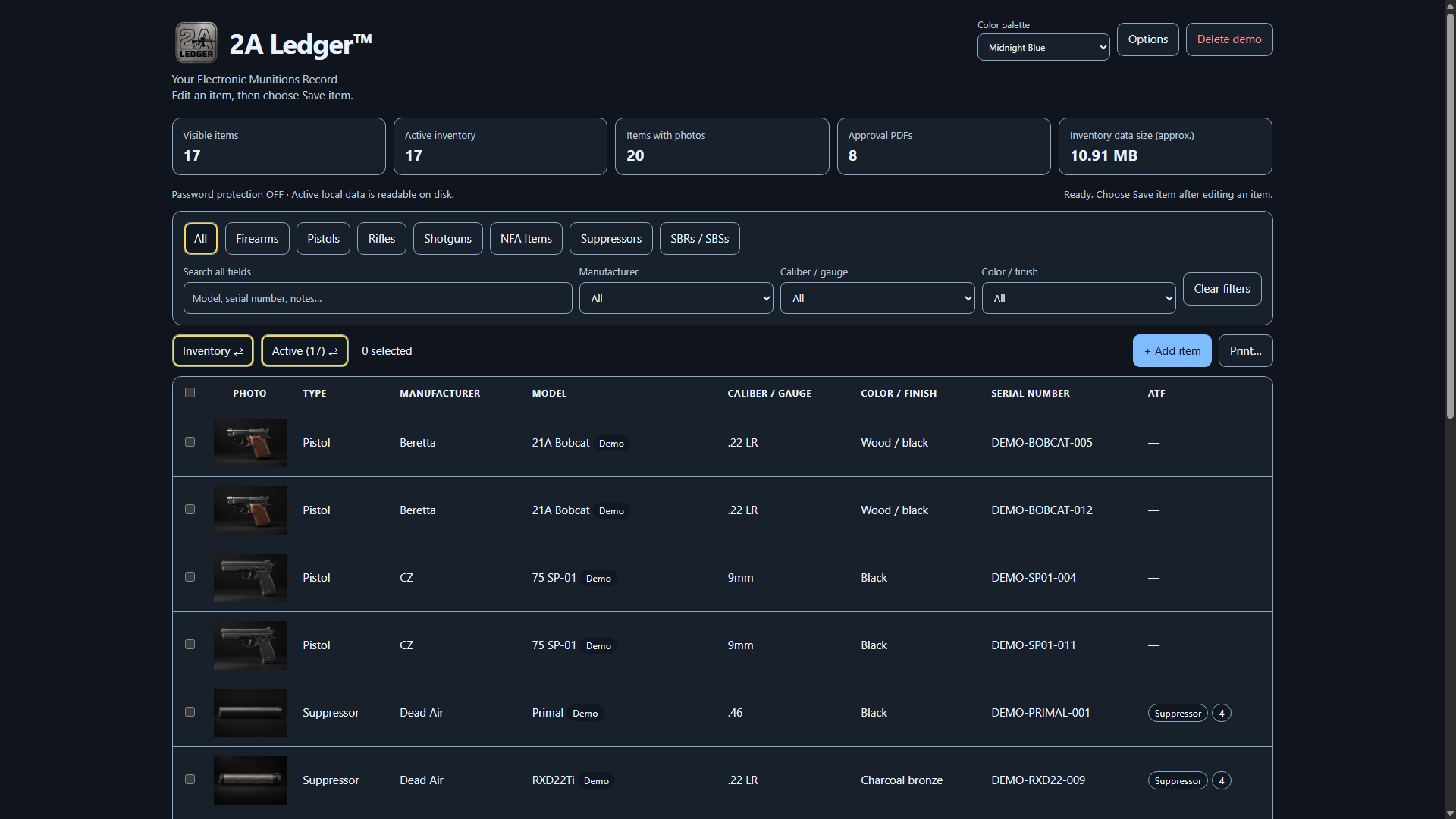
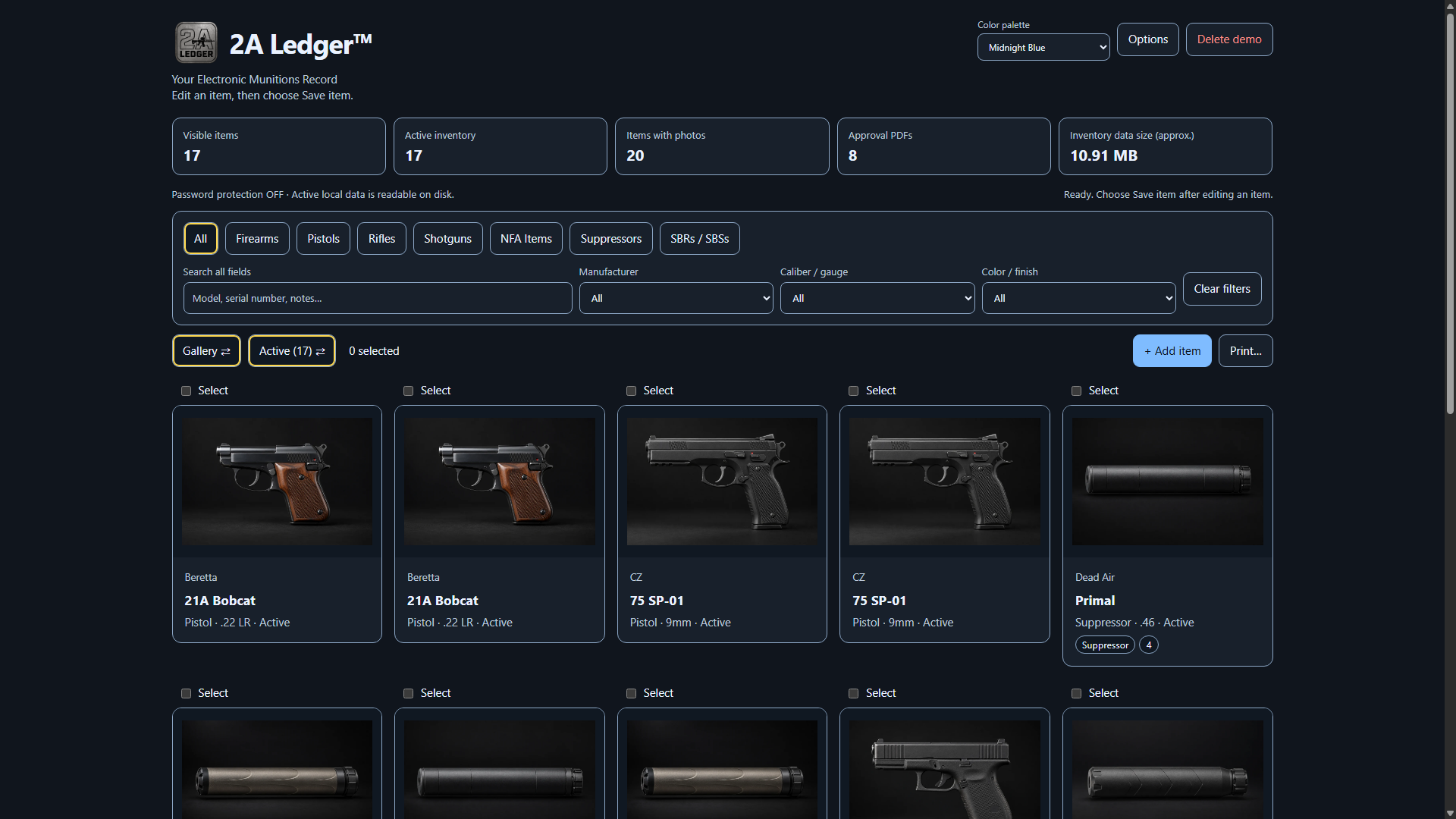
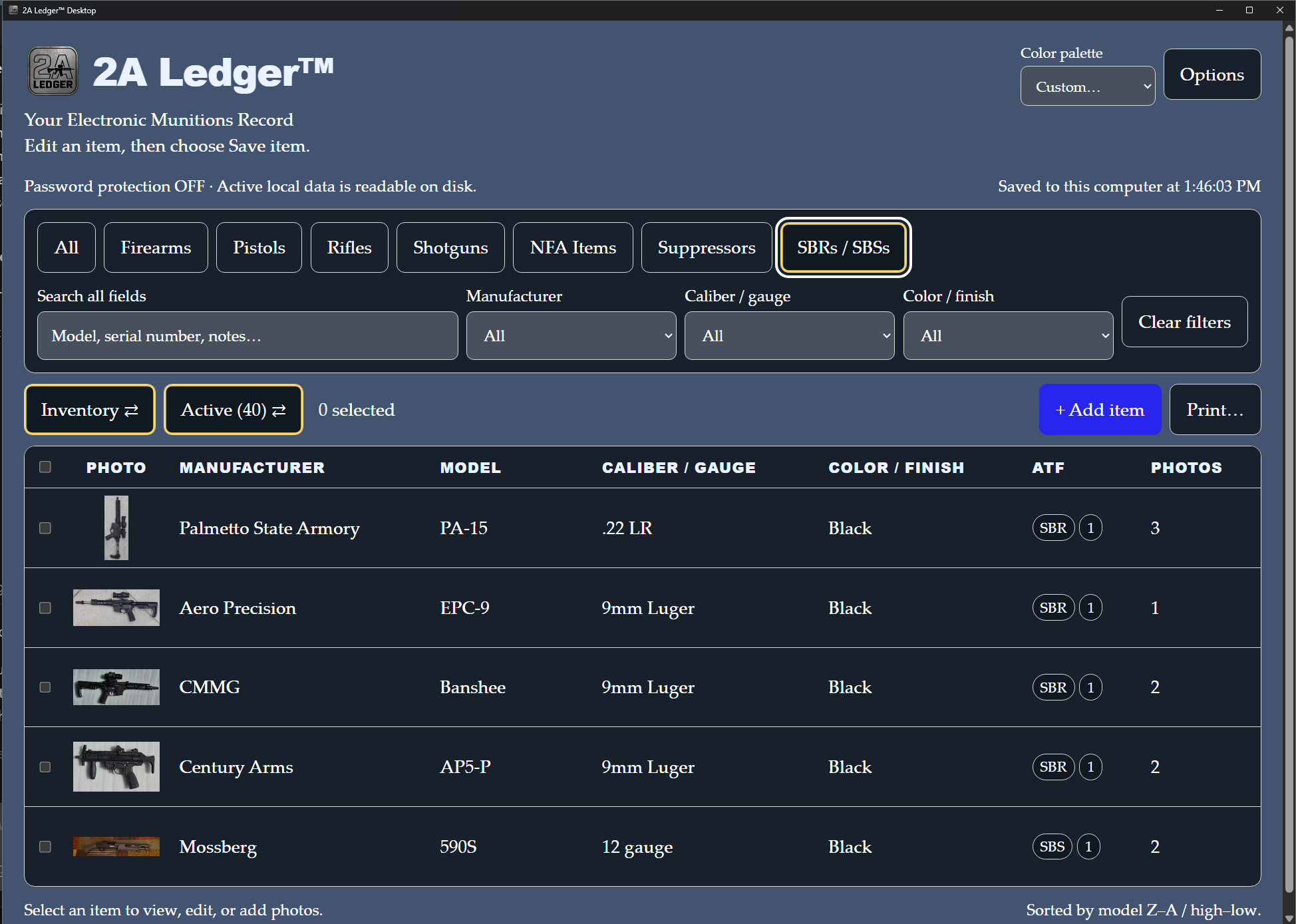
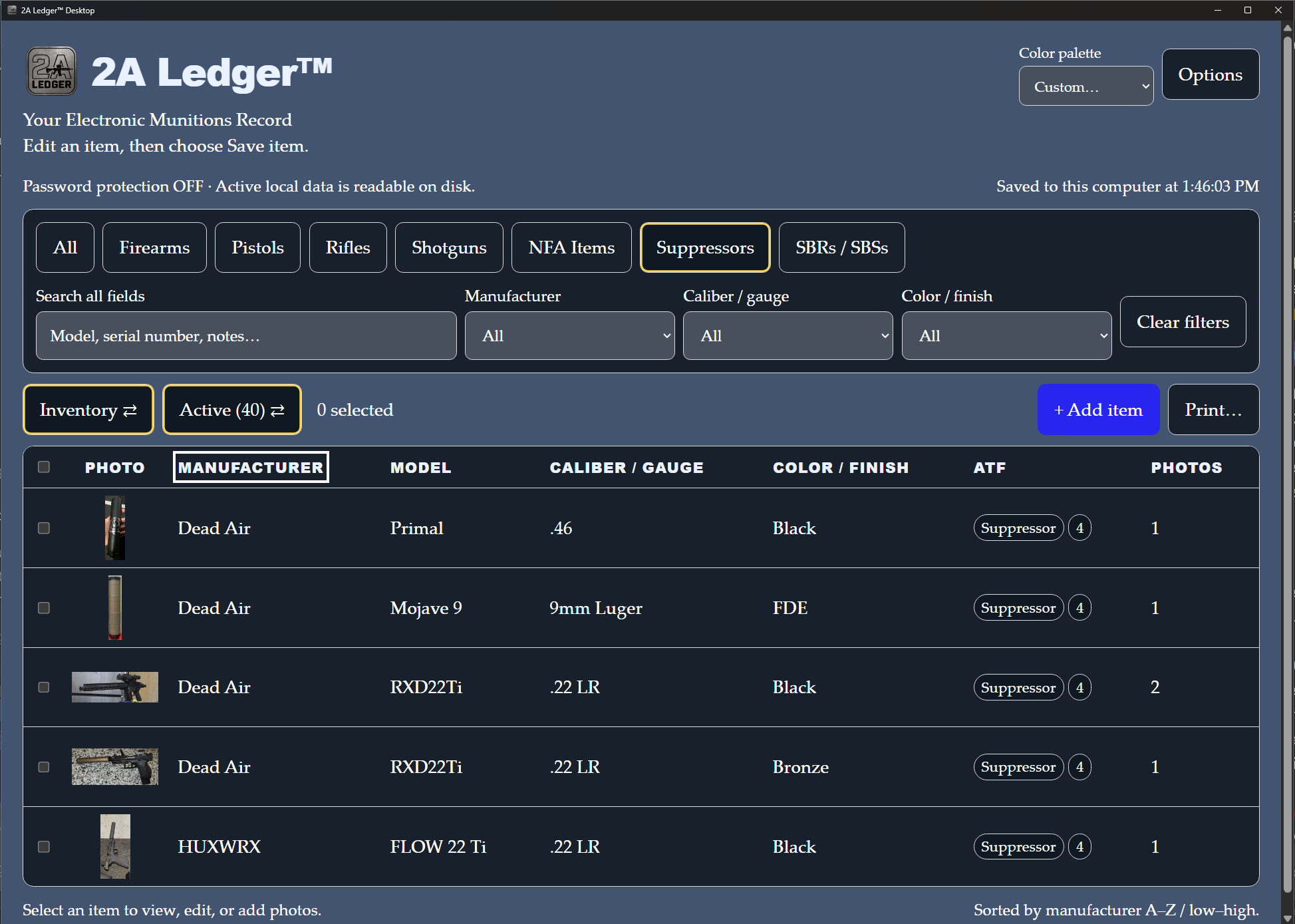
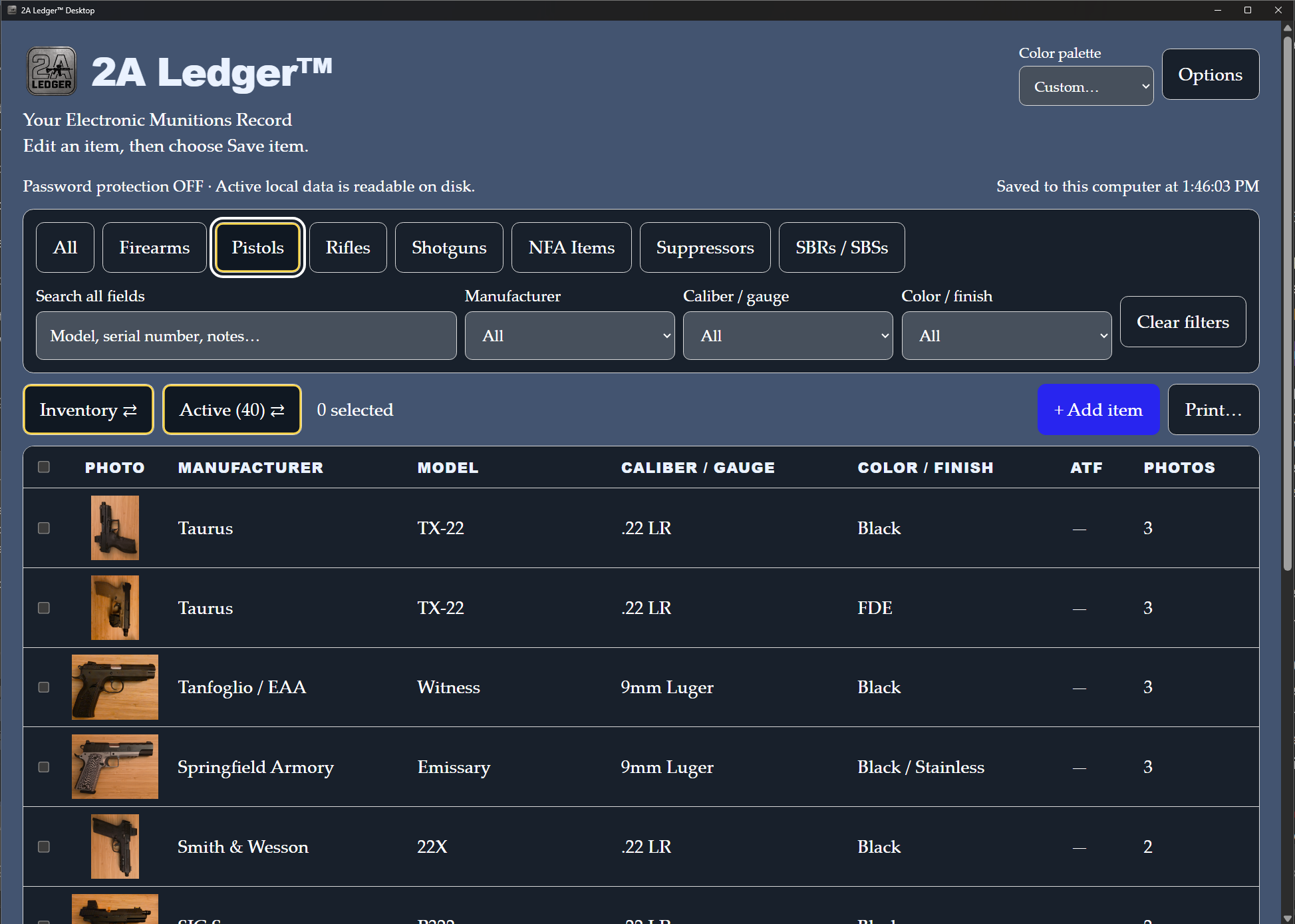
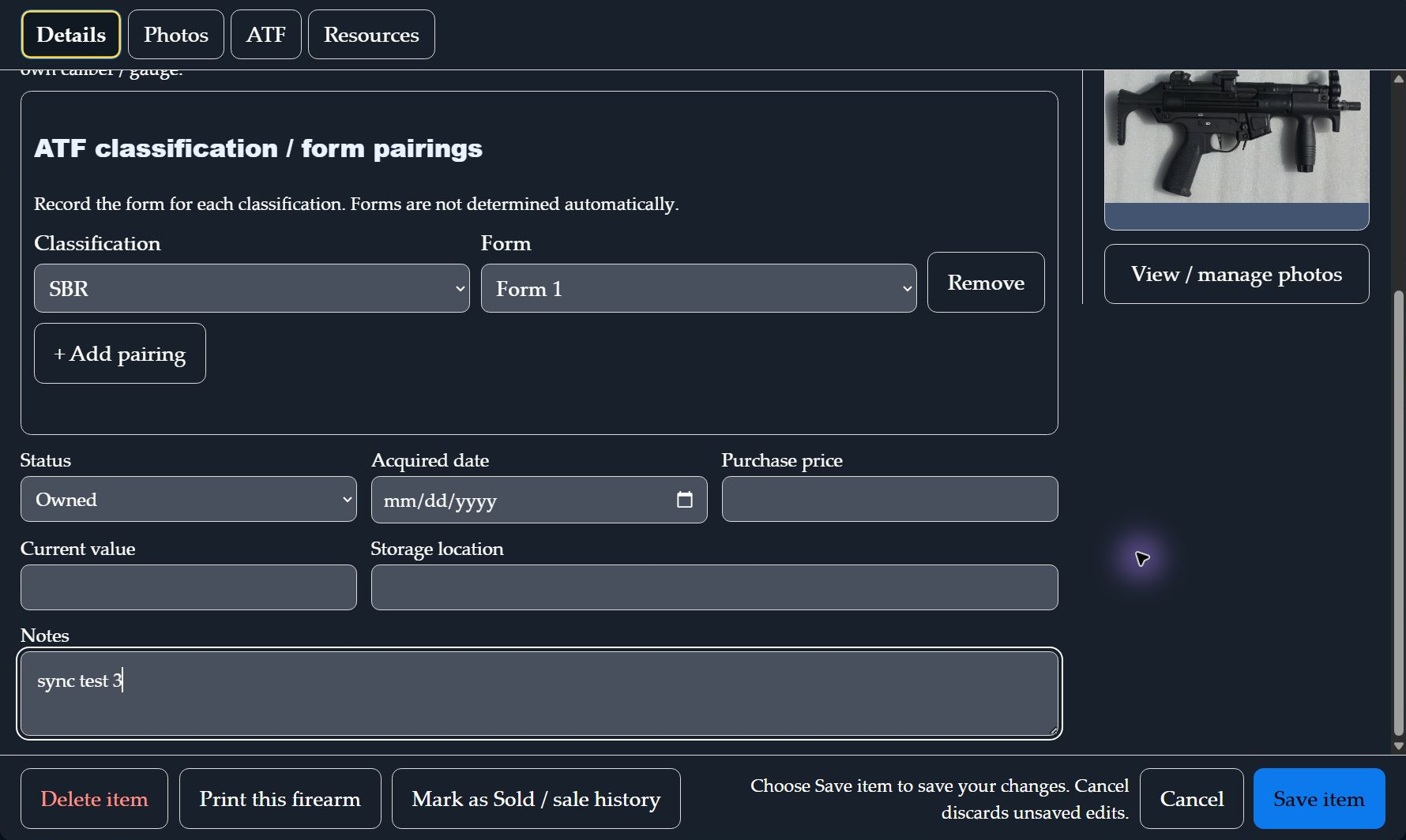
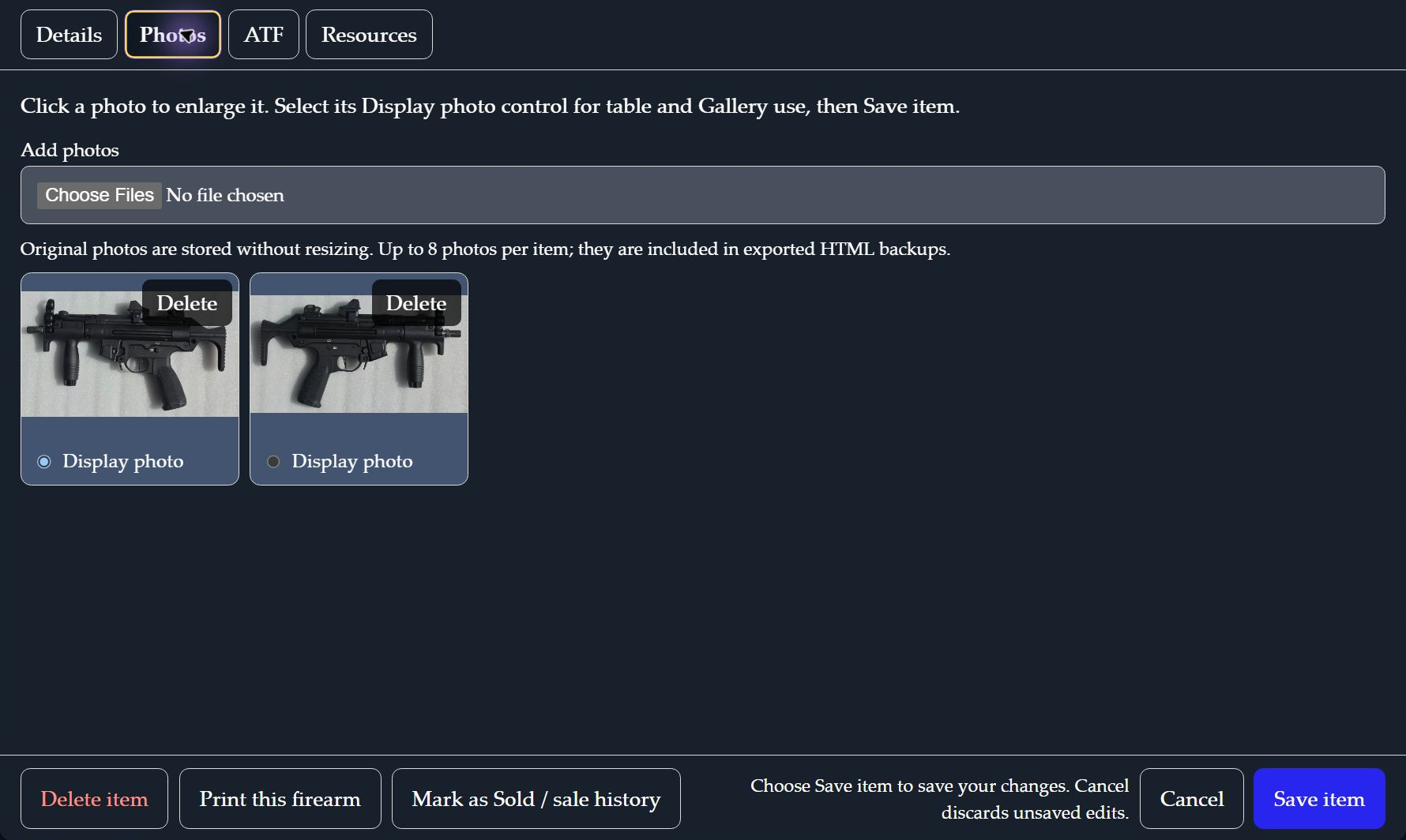
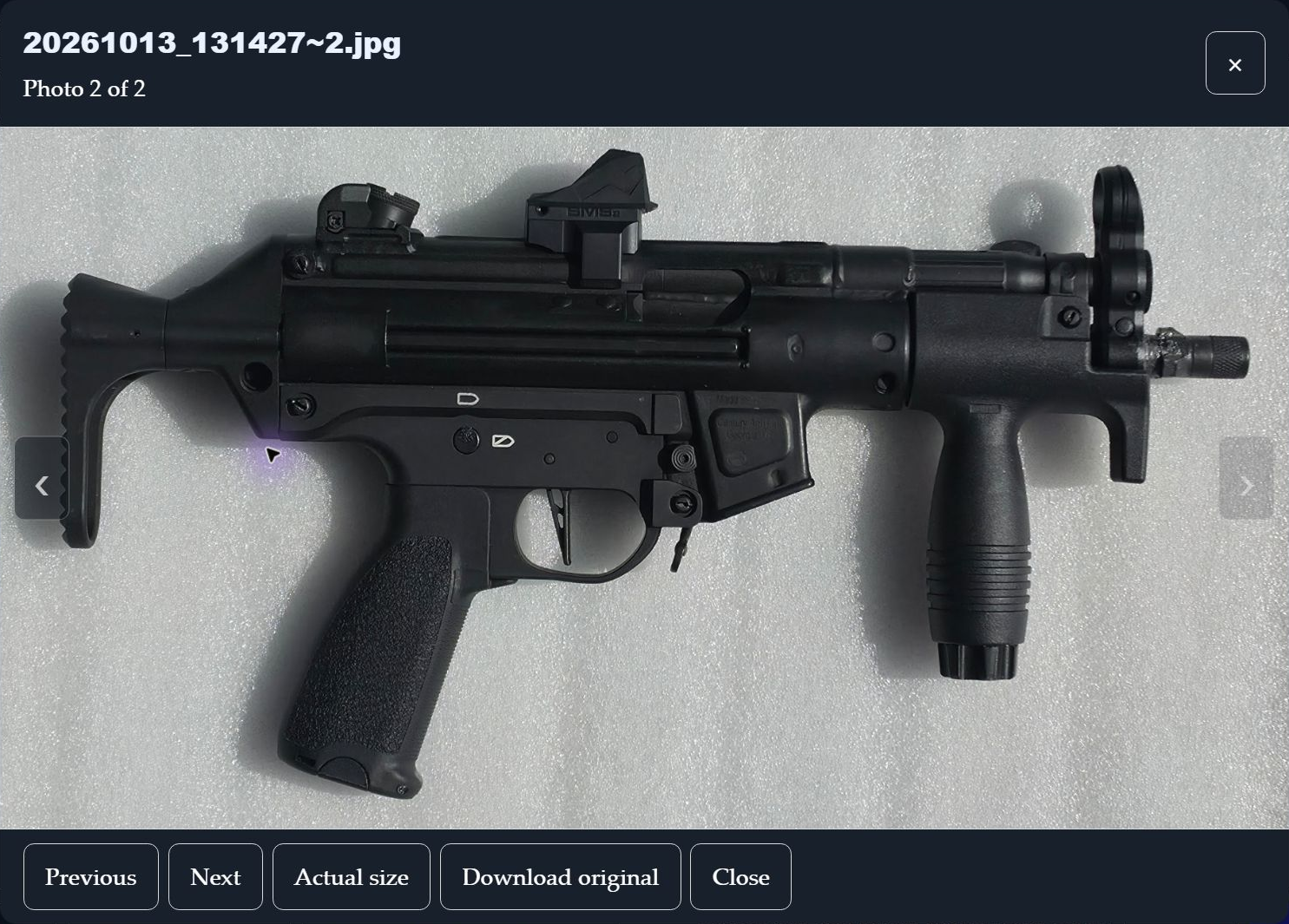
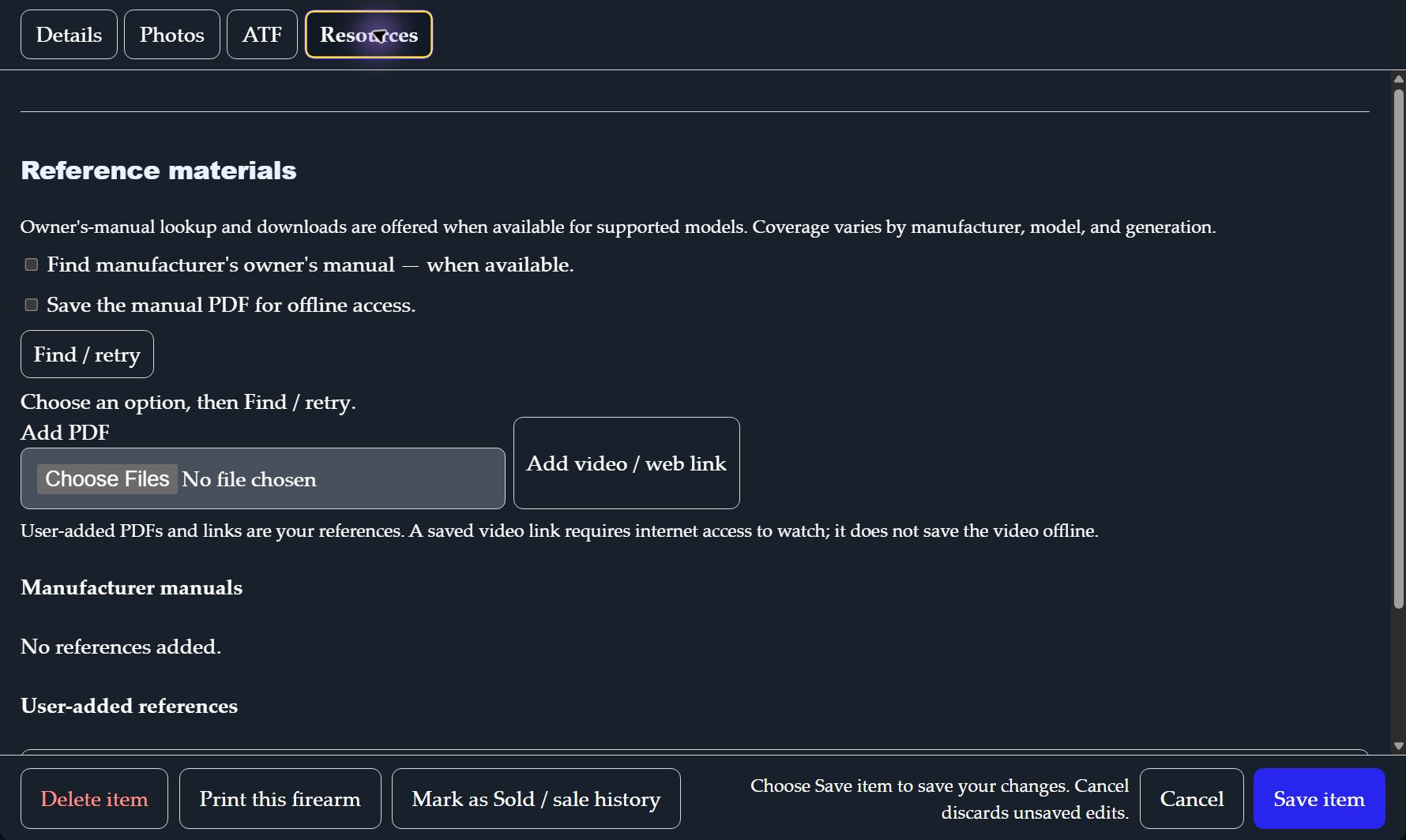
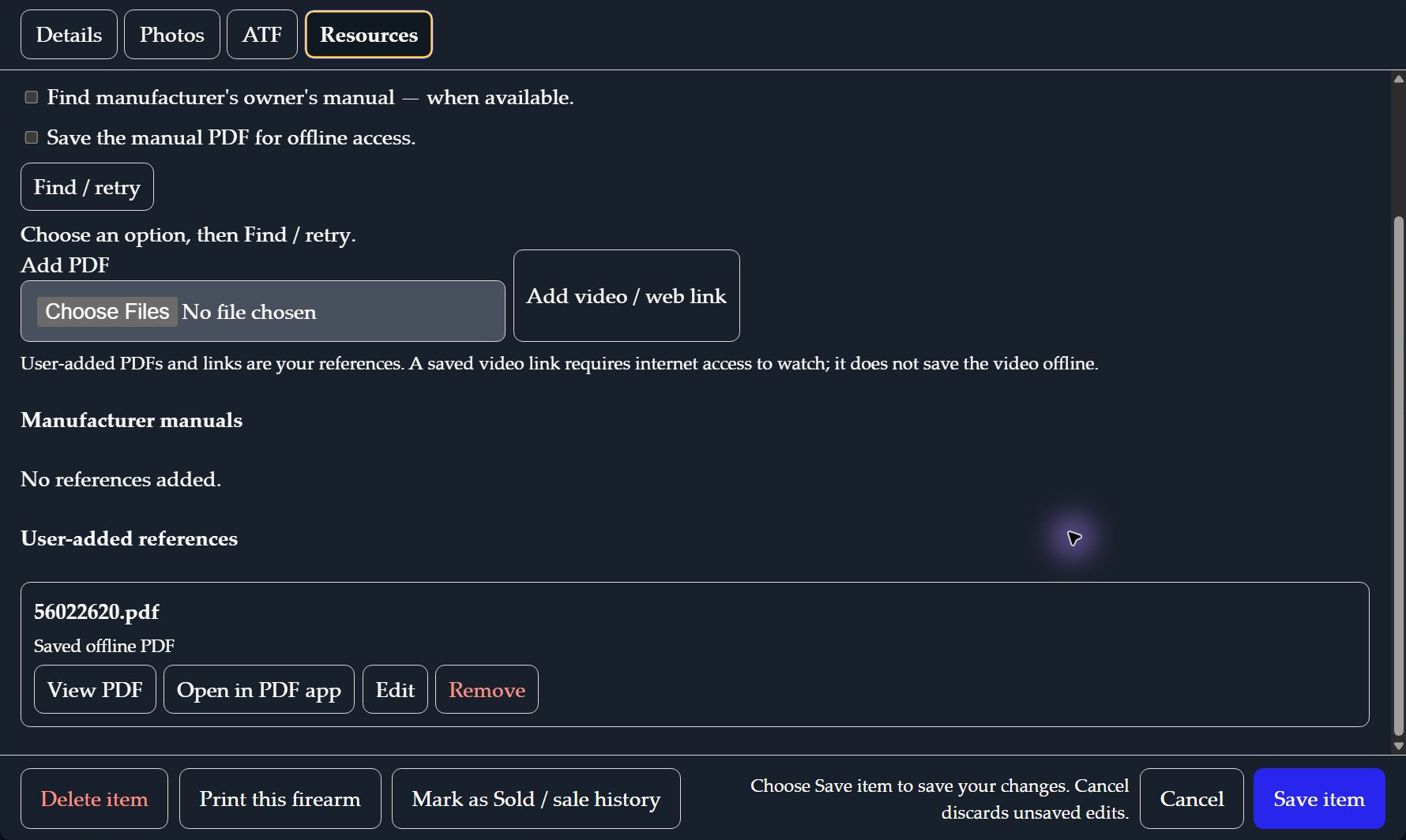
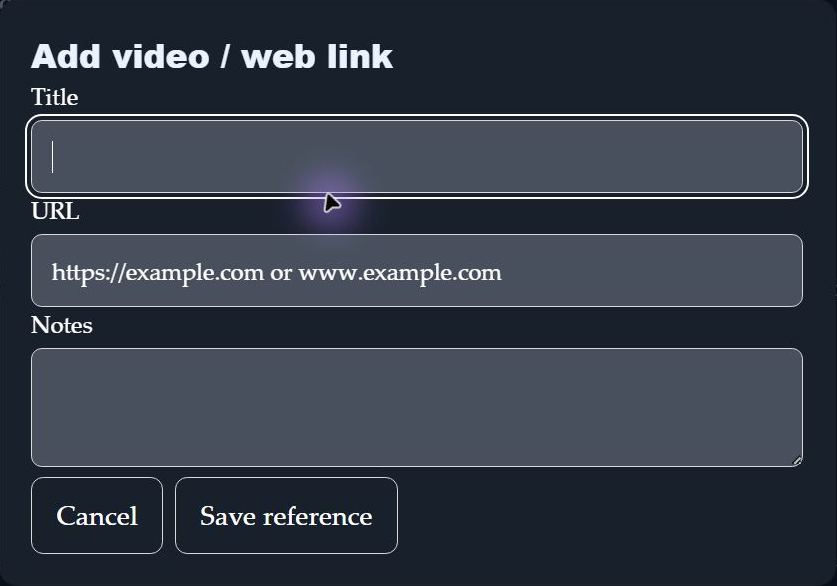
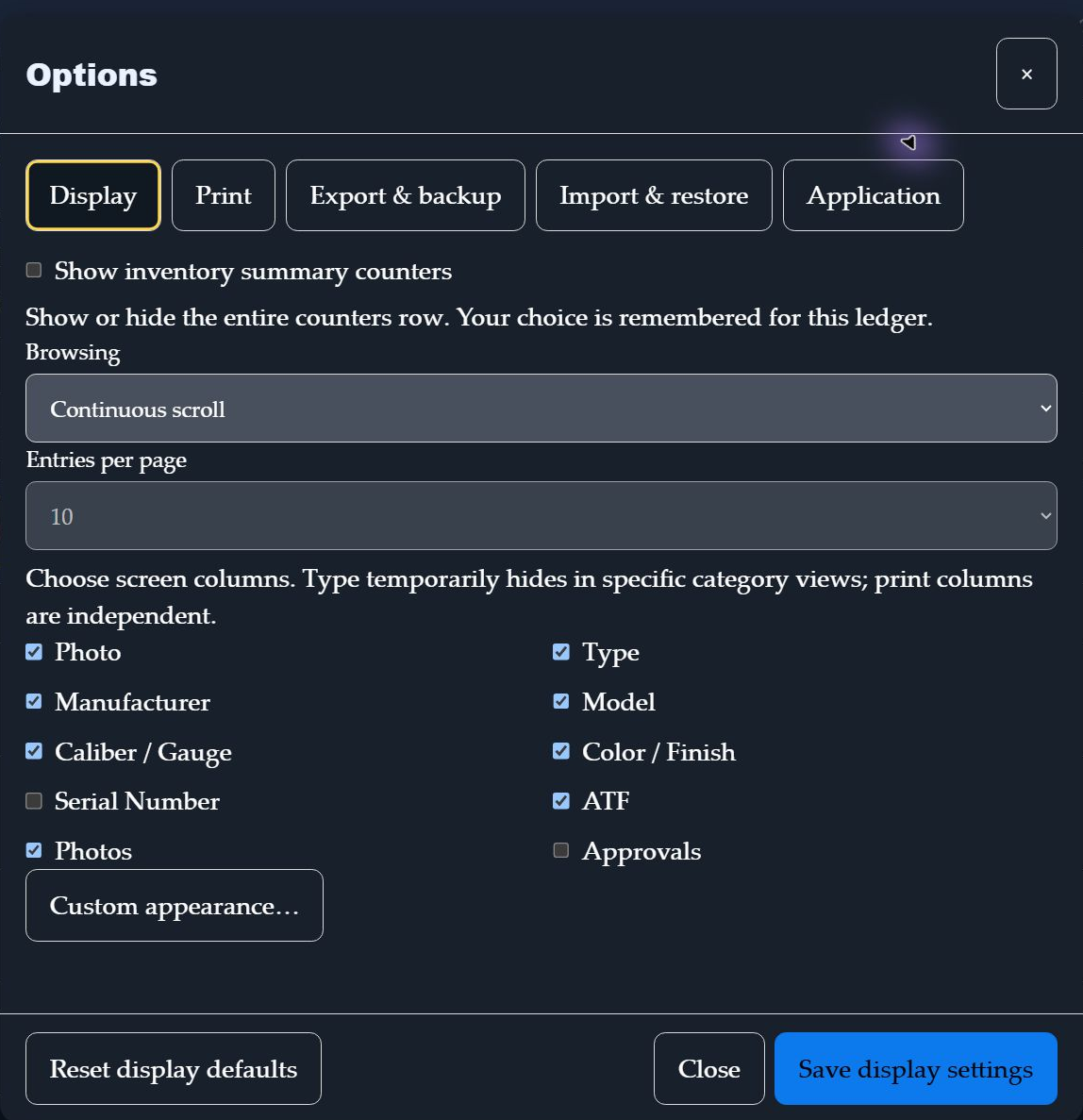
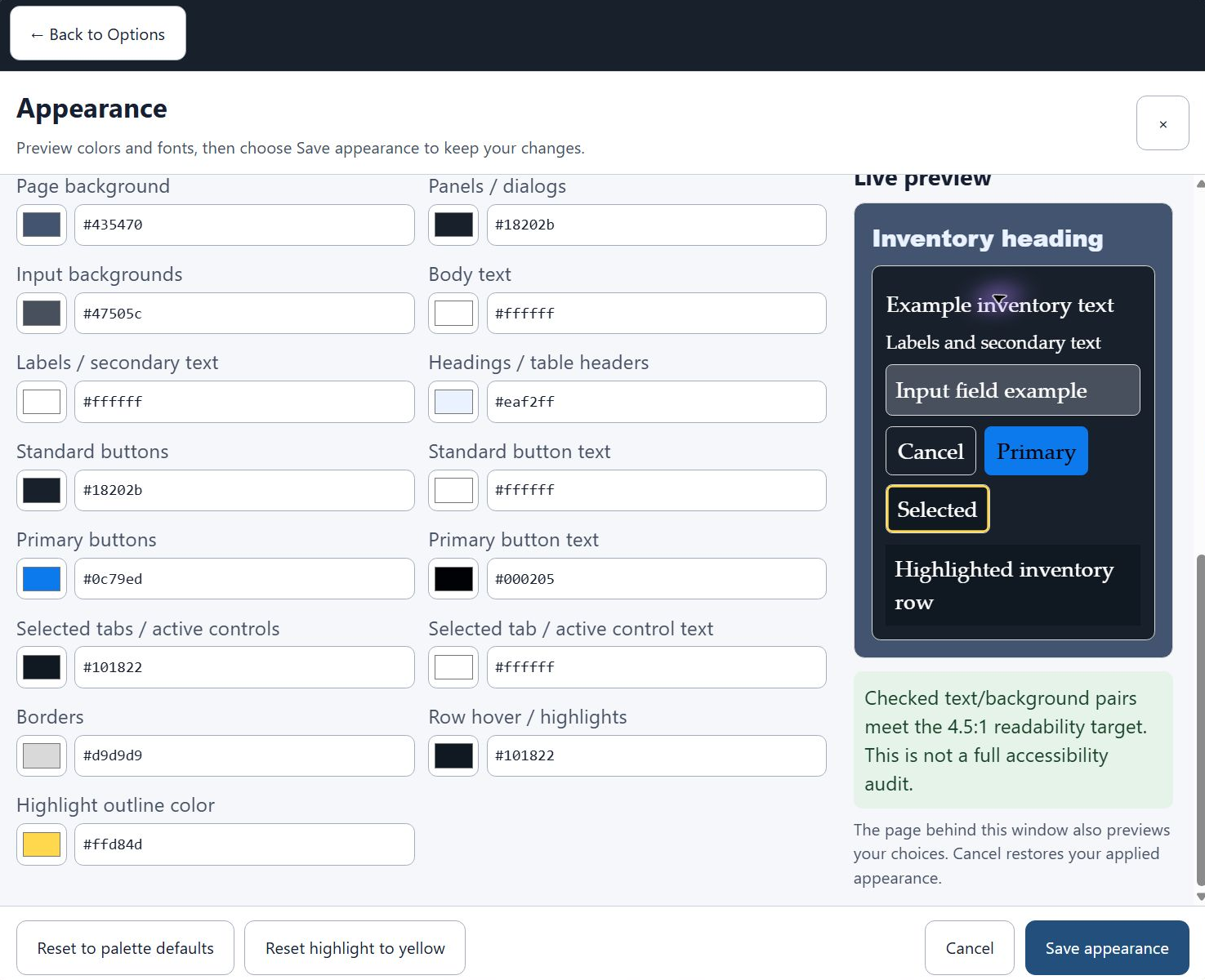
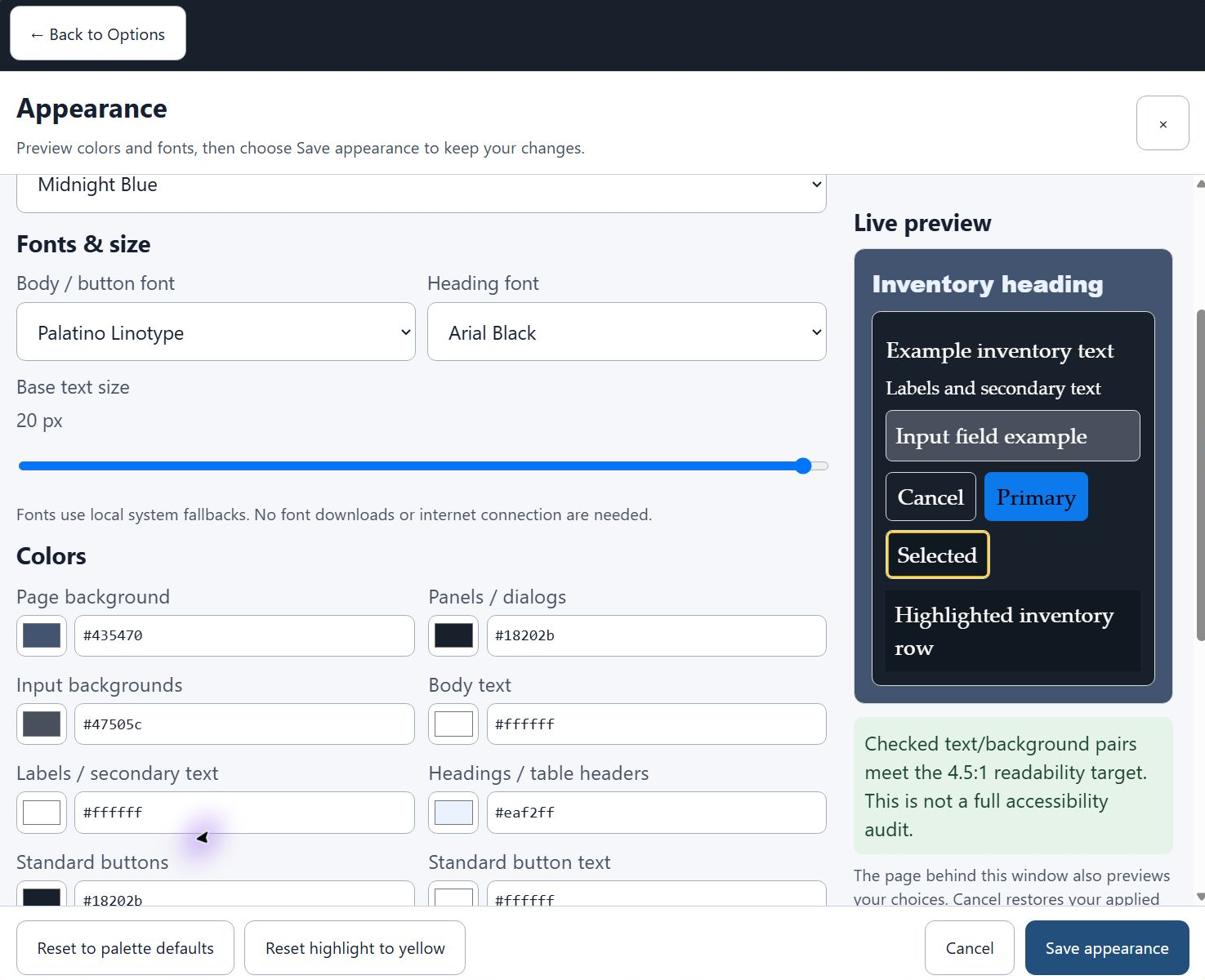
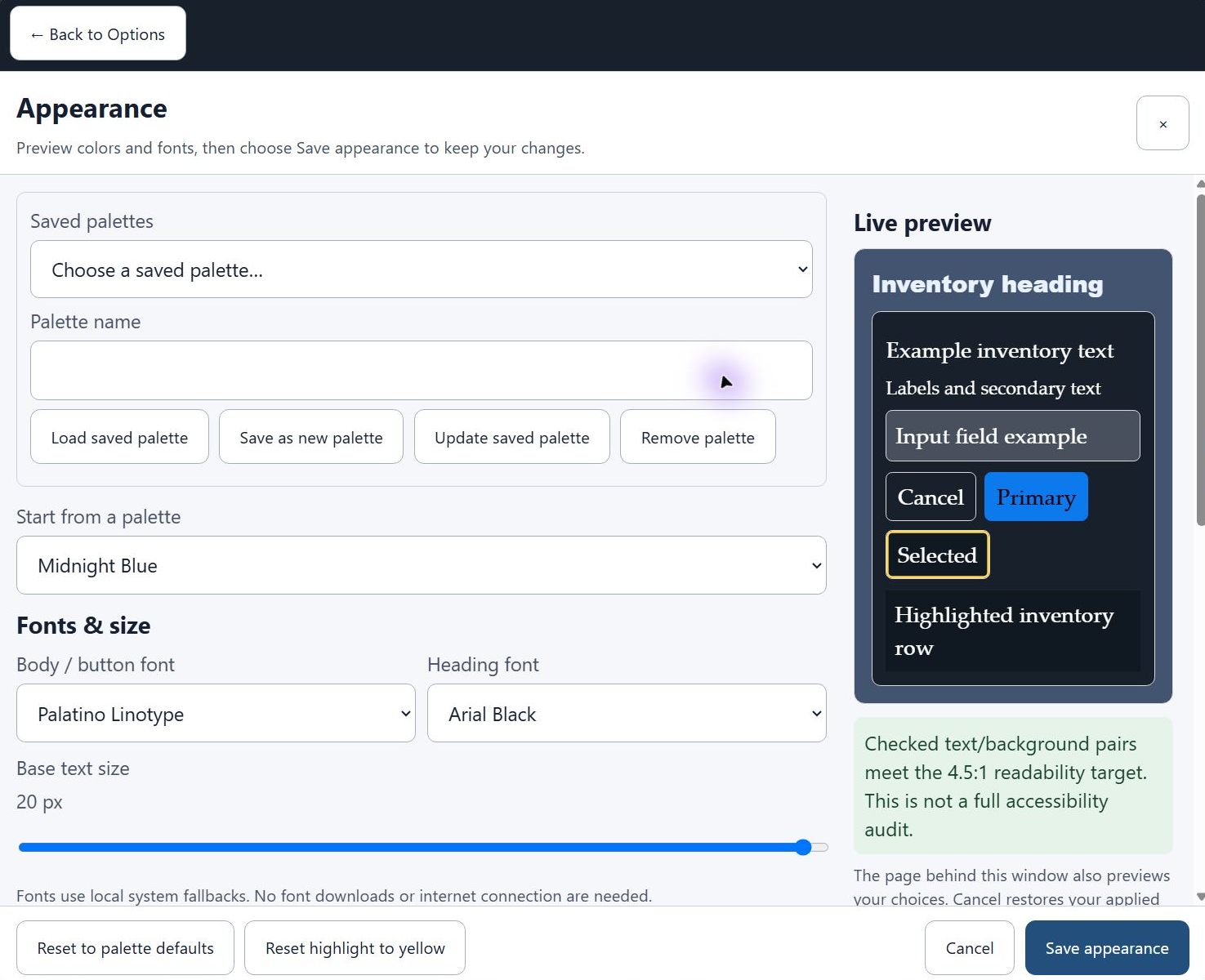
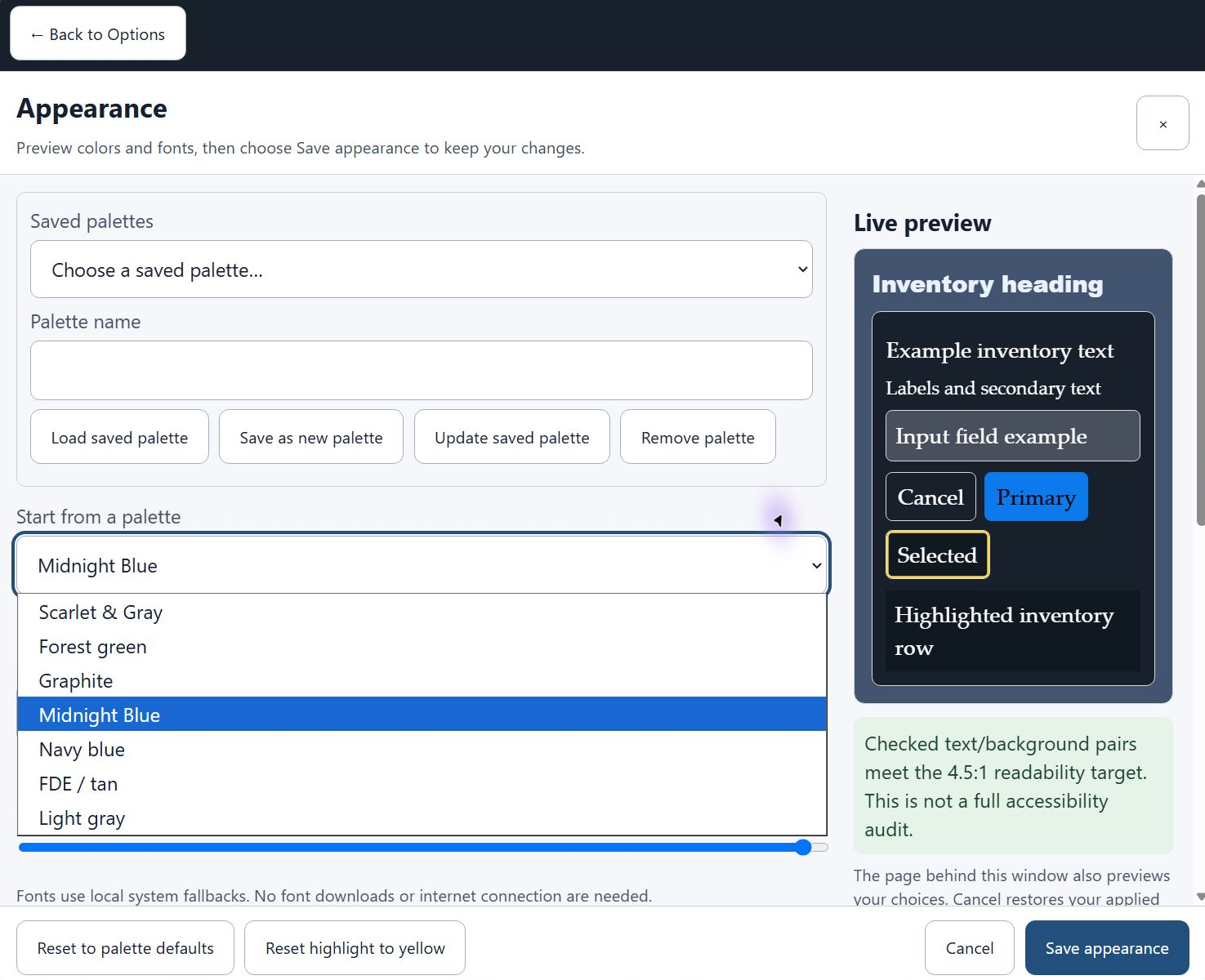
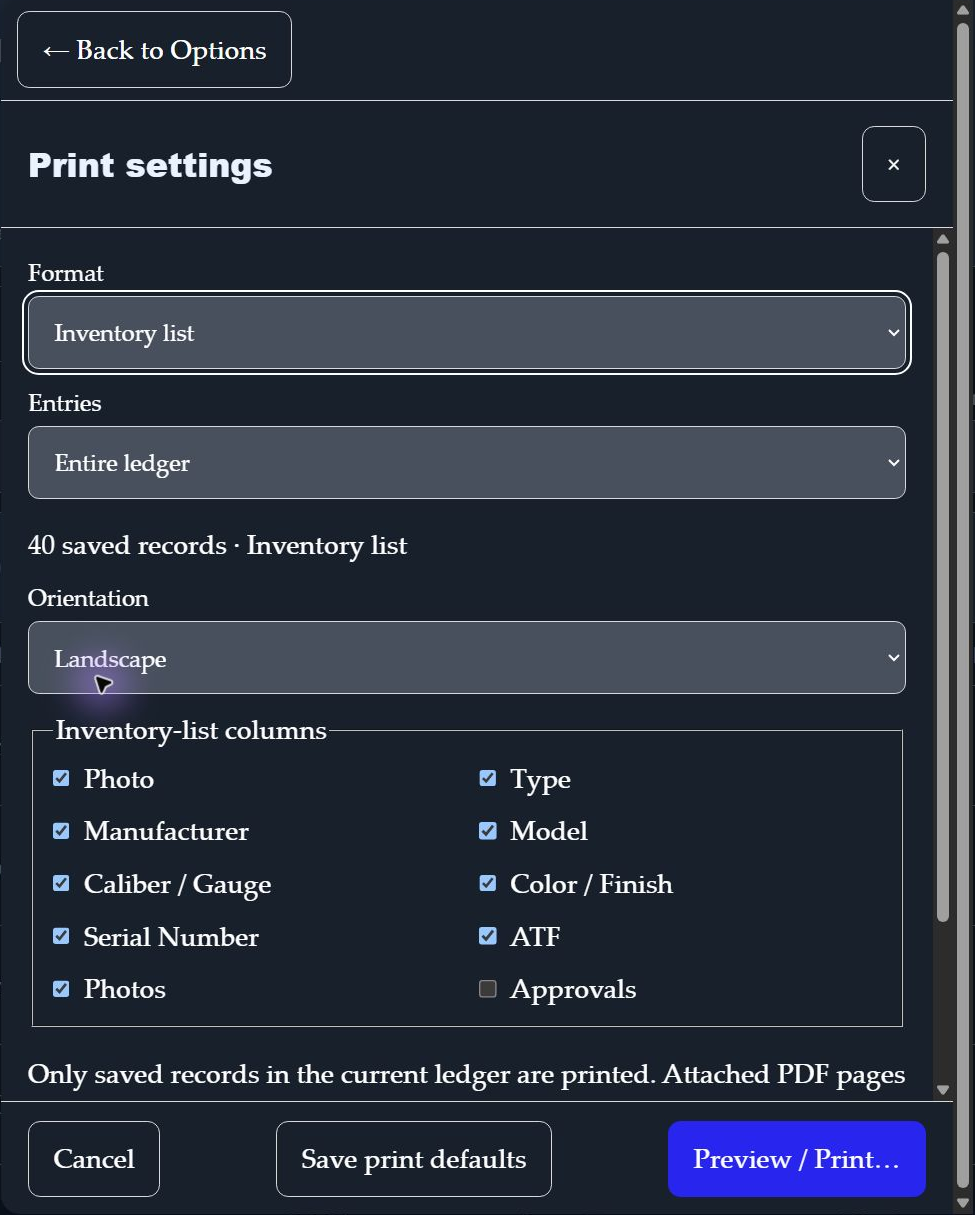
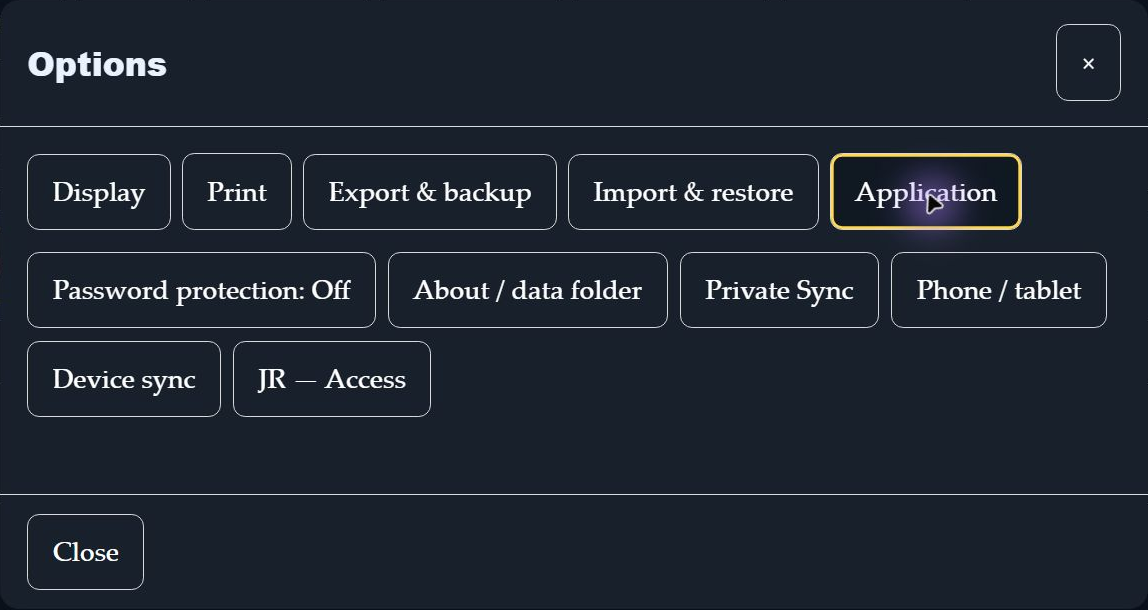
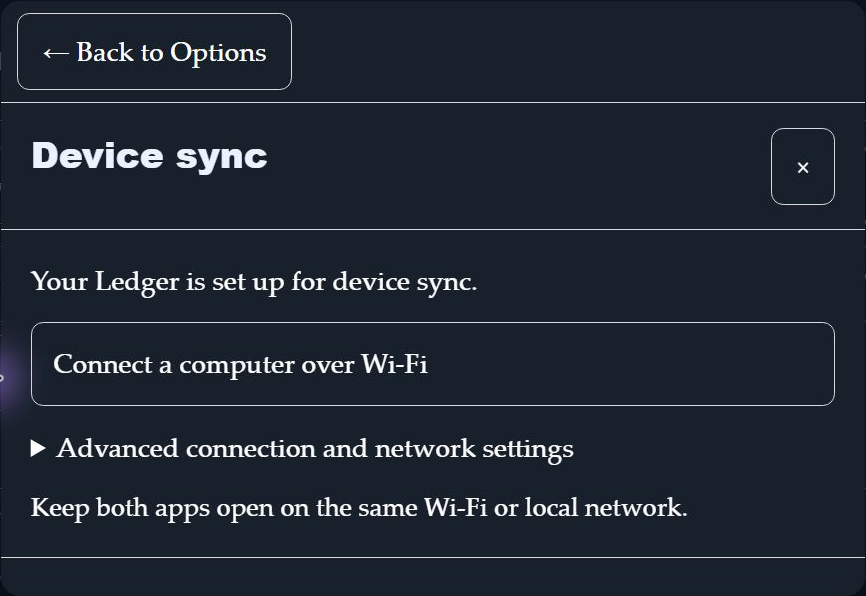
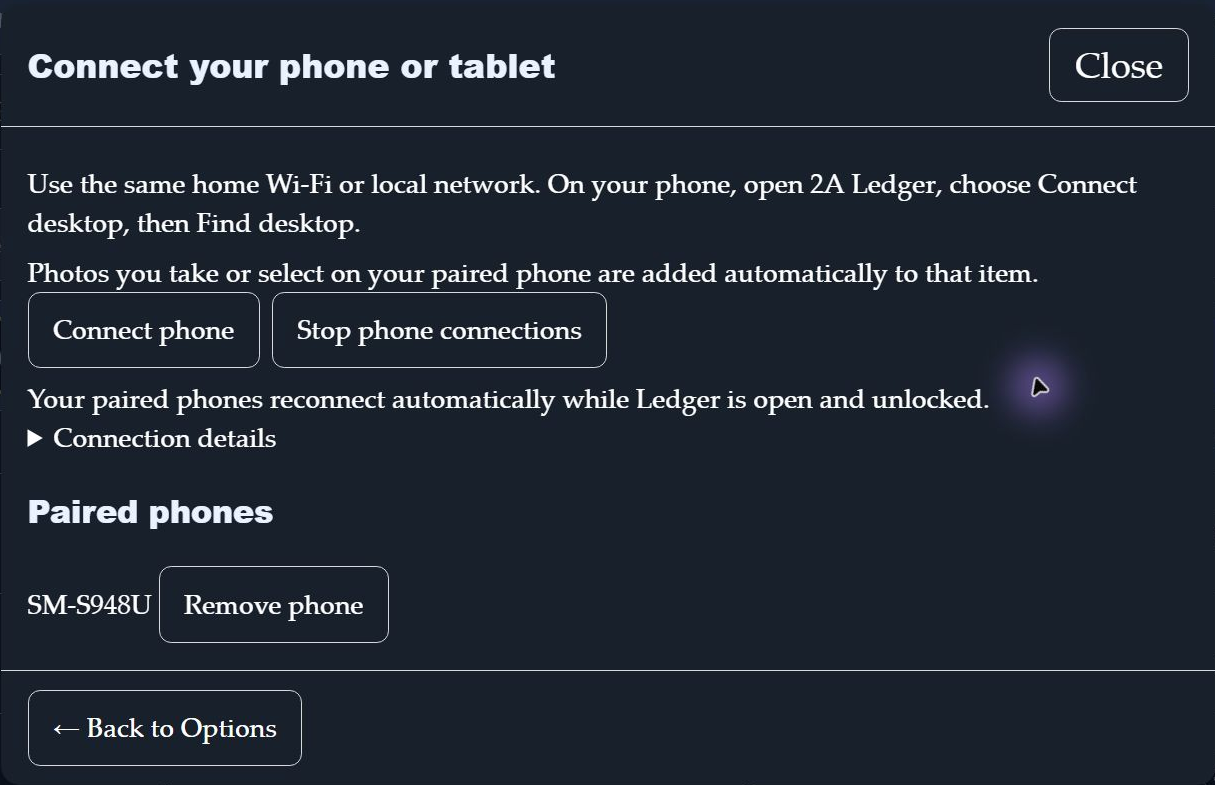
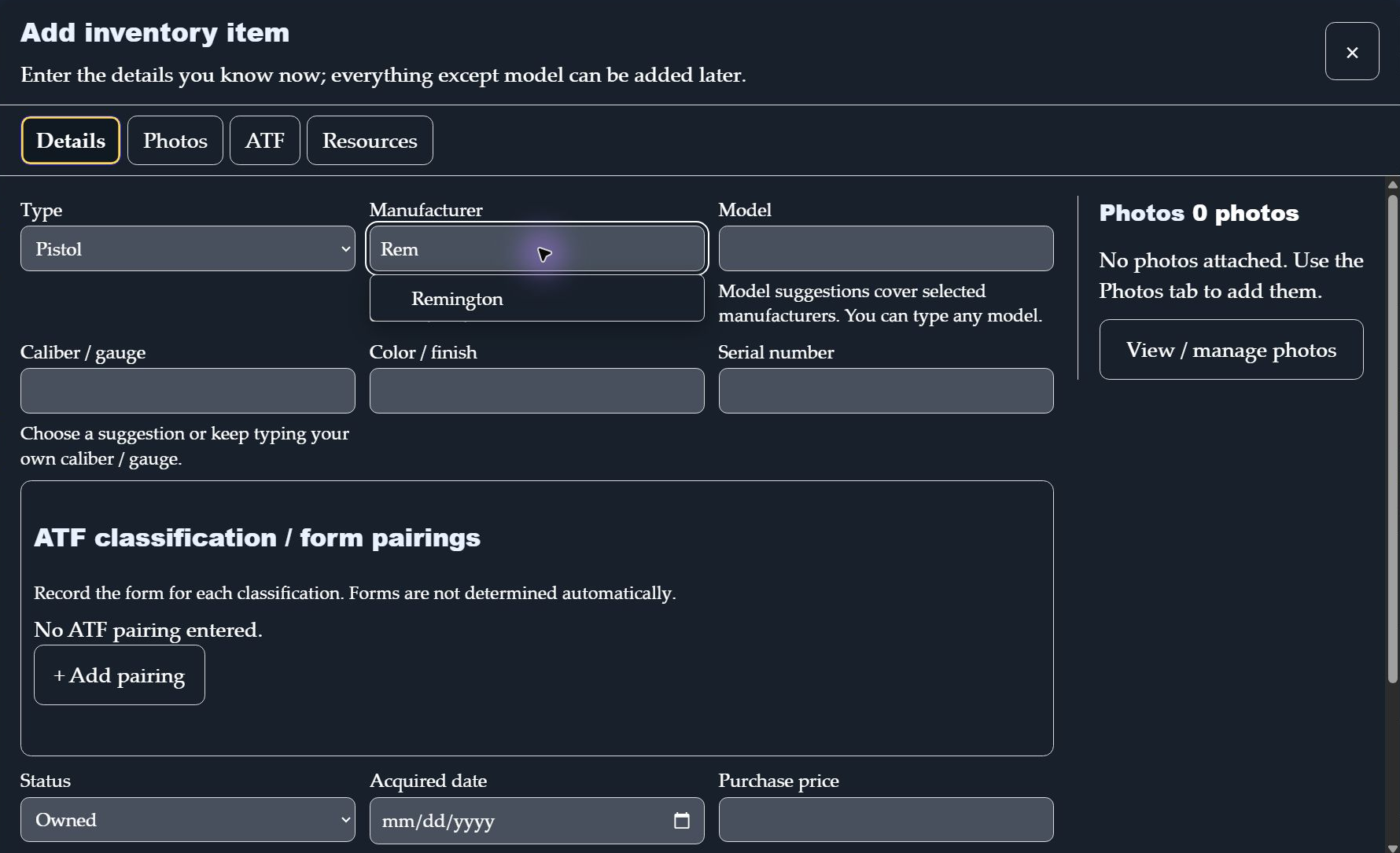
Actual Windows application screenshots.
Downloading with Microsoft Edge? Follow these pictures if Edge displays an “isn’t commonly downloaded” warning. The yellow highlights show what to select.
Before continuing, check that you used your private link from this page and that the publisher is YourEMR LLC. Keep Defender and SmartScreen enabled. If security software reports malware, the signature is invalid, or your organization blocks the file, stop and contact support.
After choosing Download Windows installer above, open Edge’s Downloads panel. Wait until the progress bar finishes before opening the file.
If Edge says the installer isn’t commonly downloaded, select the three dots (⋯) beside that file. This opens the download’s actions.
In that menu, select Keep. Edge opens a second panel where you can review the file and its publisher.
Confirm that the publisher includes YourEMR LLC and that you requested this file from this website. Then select the small downward arrow beside Delete—the arrow opens another choice.
If the source and publisher match, choose Keep anyway. Once the download is complete, open the .exe, verify YourEMR LLC again if prompted, and follow the installer. Then open 2A Ledger and activate with your privately delivered key.
Follow the instructions for the Windows 0.5.26 installer. Browser dialogs vary; older RC.50 illustrations are omitted. Verify the source and YourEMR LLC publisher before proceeding.
Edge’s controls can vary by version; some show Show more before Keep anyway. A filename ending in (1) is Edge’s way of keeping a second copy. The installer’s version and published checksum still identify the file.
Signing verifies the publisher and the signed file’s integrity. New files can still show a reputation warning. See the installation guide for installation and activation details.
Version 0.5.26 · initial-v1 · 131,630,600 bytes · signed Windows installer · publisher: YourEMR LLC.
SHA-256:946f9af4b8d9aa0686a9ae886d1b0cdbb4b85a065f62e20bccd996e2cac0bd13
A private link permits retrieval for 10 minutes. Expiry cannot recall a file you saved, and a previously cached response may remain accessible. Do not share your link or key. An eligible existing key-holder can request a fresh link later.
Owner-issued free keys and eligible paid keys can both retrieve their initial Windows release here. Downloading does not create a purchase or activate a computer.
Install and activate:
See the activation guide. Windows may still display a download or reputation warning. Verify that the installer publisher is YourEMR LLC and keep security protections enabled.
For installation, activation and product support, email 2a.freedomledger@gmail.com. No guaranteed response time is offered.
If you cannot install or activate 2A Ledger, contact support within 7 days of purchase. If we cannot resolve the problem, we will refund your purchase. This does not limit rights provided by applicable law.
Bug and security fixes released for the purchased initial version are included. Version or feature upgrades require a new license at the then-listed upgraded-version price.
2A Ledger is provided by YourEMR LLC. Support: 2A.freedomledger@gmail.com. Do not email your key, password or inventory.
Explore the free 15-day trial. No card or automatic charge. Read the trial limits before requesting your key.